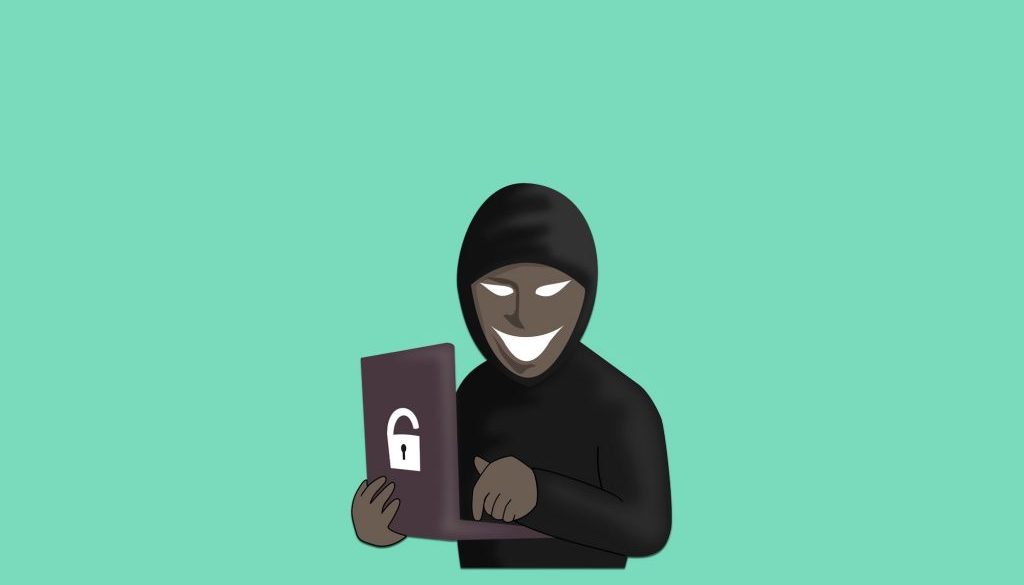
Phishing – links have overtaken attachments
Phishing is a form of cyber crime, aimed at stealing sensitive data such as credit card numbers, bank codes etc. from oblivious web users. Over the years, there have been many victims of this sort of digital fraud, but now, thanks to improved awareness regarding the inherent risks of the web, it would seem that the number of such cases is falling.
The bad news is that, in the meantime, cyber criminals have not been idle. In the past, malicious emails tended to use attachments to defraud their unfortunate victims, whereas now there has been a switch towards the use of links. This technique is more complex and cannot be traced as easily by ordinary security systems.
How phishing via links works
The main purpose of a phishing attack (the term derives from the word ‘fishing’), is to deceive the victim. Cyber criminals create emails which resemble as closely as possible official ones from financial institutions and then send them to users, in the form of an urgent message.
The message is carefully prepared on an ad hoc basis so as to create a sense of panic in victims, leading them to believe that their bank account has, for some reason, been blocked. The older emails included attachments containing malevolent software capable of doing serious damage to PCs or stealing passwords.
However, thanks to public awareness campaigns about the risks of the web, many people no longer download attachments in emails from unknown sources, thereby reducing the effectiveness of the phishing via attachments technique.
In order to maintain the efficiency of their attacks, cyber criminals have therefore started to focus on phishing via links. In these emails, which are also prepared on an ad hoc basis to resemble official communications from banks and other institutions, links are inserted, (often encrypted using a short URL to make their identification even more difficult), which redirect the user to very realistic duplicates of real websites belonging to these financial institutions.
Once they reach that page, the user is invited to carry out login and it is at that moment that their identification details are stolen. Other links may request the insertion of a credit card number, but the process is basically identical.
How to protect against link phishing
Before taking a closer look at how to defend yourself from phishing via links, we should recall that this type of fraudulent link is no longer sent to users solely by email. With the growing number of mobile devices connected to the internet, these links can be received via sms, instant messaging platforms or social networks.
The first rule to avoid clicking on malevolent links is to pay close attention to the context that in which the message is received. Generally speaking, banks and other organisations that deal with sensitive data never inform clients of any issues via email or other forms of message, neither do they ask their clients to supply passwords or other sensitive data.
If you were not expecting any messages of this type, or if the text does not contain any precise references to previous transactions or other signs of authenticity, then it is likely to be an attempt at phishing.
Another point not to be overlooked is the grammatical format of the text. Very often, the cyber criminals who carry out these attacks are not native speakers of the language the message is written in and use an online translator to prepare it. This leads to grammatical errors, mistakes and other clues that betray the fraudulent nature of the message.
Sometimes this type of message arrives apparently from a sender who is already in your address book. If the text seems suspect or if it is written in a language other than the one normally used by that person, then it is probably a phishing attempt. The best thing to do in such cases is to contact that person via other channels.
In the case of abbreviated links, it is possible to use certain free online programs which enable decryption, in order to view the real link.
Translated by Joanne Beckwith